Best Racing Games You Can Play in a Browser With No Download
Top lists · Published 2026-10-11
Racing games have a reputation as the most hardware-hungry genre on any platform. On a browser, that reputation is undeserved — provided the game is designed for a phone rather than ported from a console. The difference comes down to one decision: does the game simulate a car, or does it simulate the feeling of traffic?
Why light racers beat heavy ones on mobile
A simulation needs to calculate grip, weight transfer, suspension and tyre temperature every frame. That costs battery and heat, and it needs a control scheme with at least two axes, which a thumb on a 6-inch screen cannot provide comfortably. A light racer throws all of that away and keeps the part that actually matters on a small screen: reading the road, choosing a gap and committing to it.
The three control schemes, ranked for real life
- Lane switching (best for a commute). Tap left or right and the car handles the rest. You can play standing, holding a bag, with one hand, and still do well.
- Hold to accelerate, release to brake. Ideal for time trials. Simple enough to explain in one sentence and satisfying to master.
- Tilt steering. The most immersive option, but it needs a stable grip and a steady hand, so it suits sitting down more than a moving train.
What separates a good browser racer from a bad one
Fairness, mostly. A good racer gives you enough warning to react to an obstacle, keeps the road readable at speed, and never hides a hazard behind another vehicle where you cannot see it. A bad racer spawns obstacles faster than a human can process and calls that difficulty. Regenerate a track or two and you will quickly feel the difference.
Battery and heat, honestly
Because these racers draw their graphics rather than streaming them, and because they do not run a heavy physics simulation, they are among the lighter things you can do with a phone. Expect a modest battery cost comparable to reading a page, not the dramatic drain of a 3D console racer. If your phone does warm up, the biggest culprit is almost always screen brightness rather than the game.
Our pick of the approach
If you are choosing, favour a one-thumb lane-switching racer for daily play and save the time-trial style for when you can sit down. Both are free here, both work offline once loaded, and neither asks for an account. The best racing game for a commute is the one you can play competently with a single thumb while the train lurches — and that is a design problem, not a hardware one.
Related reading
All guides ›- The Best Free Puzzle Games You Can Play in a Browser in 2026Top lists · Our picks for the best free browser puzzle games this year, who each one suits, and the one to start with if y
- Best Two-Player Games You Can Share on One PhoneTop lists · No second device, no accounts, no internet needed. How pass-and-play works, why it is more social than online
- Free Games With No Sign-Up and No Download: What to Look ForTop lists · How to tell a genuinely free browser game from a free-to-start one, and the five signals that a game will wast
- Best Free Sports Games in a Browser: Football, Basketball and Air HockeyTop lists · How browser sports games reward timing over stamina, which ones work as pass-and-play, and why original teams
More games like this
Browse all games ›
2048 Blocks — Merge the Numbers
Two tiles, one thumb. Slide the board, merge the twins and build a 2048 block before the grid fills up.

Gap Flyer — Tap to Stay Up
One tap lifts you, gravity does the rest. Thread the pipes until the gaps turn mean — nobody's first run is their best.
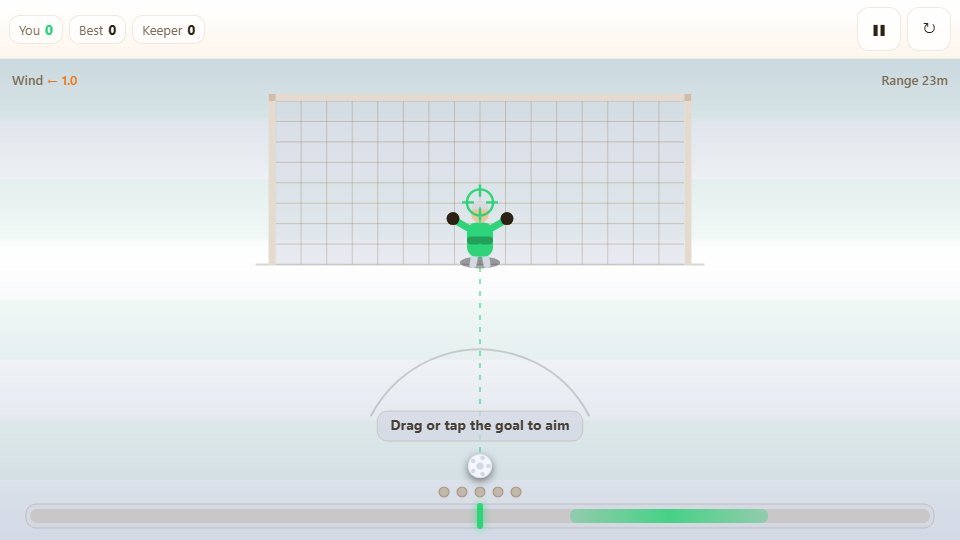
Penalty Shootout — Five Kicks
Five penalties, a keeper who starts reading your favourite corner, and a power bar that refuses to wait for you.